
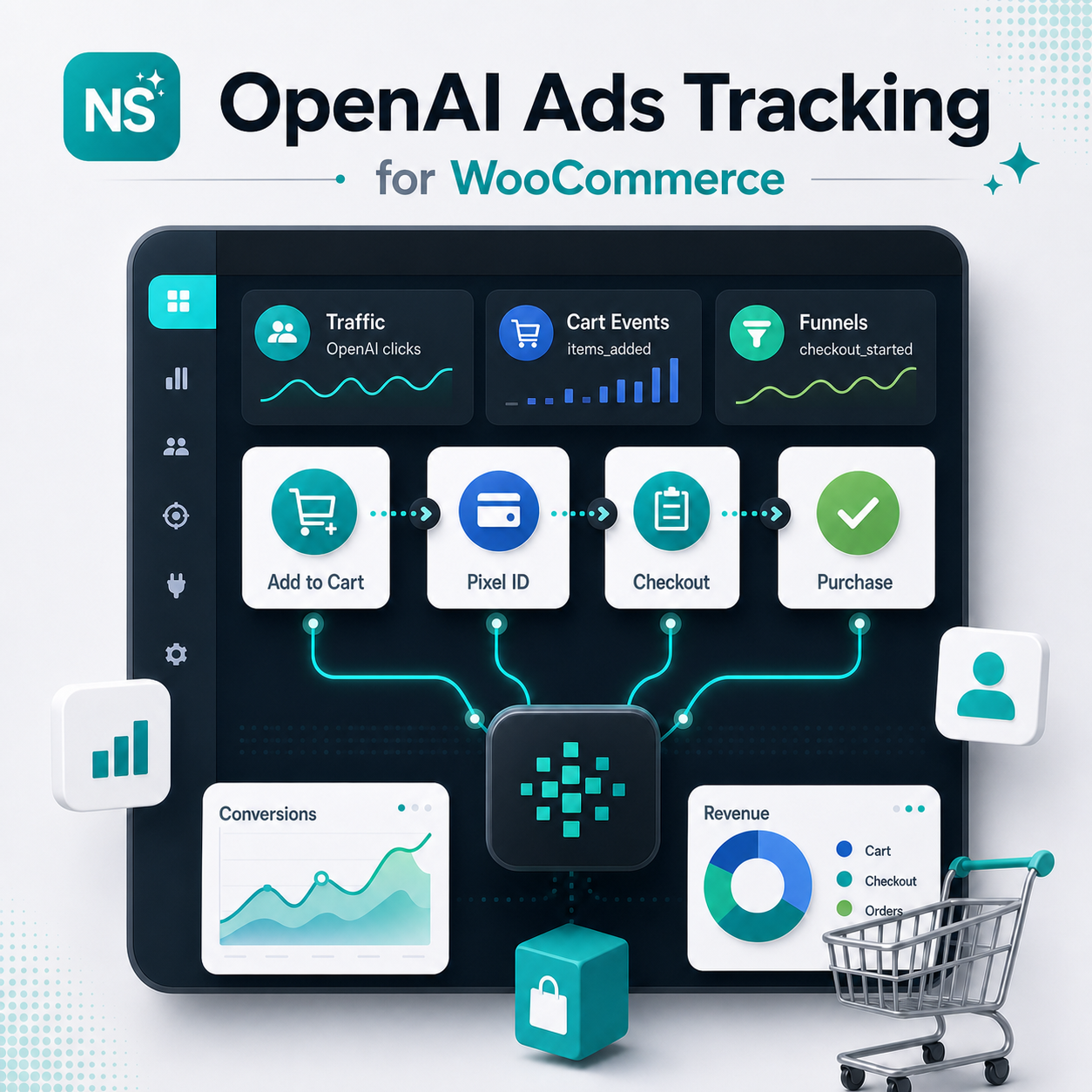
OpenAI Ads Conversion Tracking for WooCommerce
Connect your WooCommerce store to OpenAI Ads with five standard events for page visits, product interest, cart actions, checkout, and eligible paid orders: page_viewed, contents_viewed, items_added, checkout_started, and order_created.
Page, product, cart, checkout + order tracking
No theme-file editing
Optional consent-based customer matching
Built for OpenAI Ads Manager
Public page visit
page_viewedWooCommerce product page
contents_viewedUpper-funnel signal
items_addedHigh-intent shopper
checkout_startedEligible paid order
order_createdMeasure Store Activity and Eligible Purchases
Version 1.3.0 adds corrected event payloads, currency-aware values, paid-order checks, and optional customer matching. Use your existing Pixel ID to measure shopping activity and support purchase attribution in OpenAI Ads Manager.
Tracks WooCommerce Actions
Tracks standard WooCommerce page, product, cart, and checkout activity, including classic forms, AJAX additions, and standard WooCommerce Blocks flows. Repeated additions of the same product remain distinct actions.
Sends Value + Currency
Includes available product and variation details, valid quantities, value, and currency. Monetary values follow the currency’s standard minor units, independently of WooCommerce display decimals.
Reduces Duplicate Events
Paid-order events reuse a stable event ID across refreshes and payment retries so OpenAI can deduplicate them. Retried requests are not marked as confirmed delivery; acceptance must be checked in Ads Manager.
How It Works
A simple setup flow for stores running OpenAI Ads campaigns.
Install the Plugin
Upload the ZIP, activate the plugin, and activate your license in WordPress. Basic pixel installation requires no theme-file editing. Customer matching and explicit consent controls require integration with your consent platform.
Add Pixel Details
Go to WooCommerce > OpenAI Ads, enter your Pixel ID, and choose the events to enable. Optional conversion-reference fields are for your records; link the corresponding events in Ads Manager.
Verify Your Events
Use a separate staging pixel for test orders. Check SDK validation, browser network requests, and accepted events in Ads Manager Event Stream. Debug mode identifies attempted events without logging customer data.
Order Created campaigns: The purchase event remains order_created. This release uses it for eligible paid orders, rather than every order placement. Tracking provides measurement signals; it does not guarantee attribution, conversions, or sales.
OpenAI Ads Tracking for WooCommerce
Requirements
- WordPress with PHP 7.4+ and OpenSSL
- WooCommerce installed and active
- OpenAI Ads Manager access
- OpenAI Ads Pixel ID / data source
- Campaign events linked in Ads Manager
- A connected consent platform for optional customer matching
Note: This is a browser-based measurement plugin. It does not buy or manage ads, provide a consent banner, or deliver offline purchases after the shopper leaves.
Frequently Asked Questions
Everything store owners need to know before installing OpenAI Ads conversion tracking.
Do I need a separate pixel for each event?
No. Use one Pixel ID for the store’s five events: page_viewed, contents_viewed, items_added, checkout_started, and order_created. Use a separate test pixel on staging so synthetic orders do not enter your production reporting.
Which orders count as purchases?
The order must be processing or completed, marked paid by WooCommerce, have a recorded payment date, and have a positive total. Pending, on-hold, failed, cancelled, refunded, free, and unpaid cash-on-delivery orders do not qualify. Purchase tracking also verifies the customer’s access to the order.
Is customer matching required?
No. Event tracking can operate with matching off, subject to your measurement consent settings. Optional matching sends normalized, SHA-256-hashed email and international phone data from WooCommerce when available. It remains off by default and requires both the matching setting and explicit measurement and matching consent from your connected consent platform. The plugin does not include a consent banner; integration may require a developer.
What happens with delayed payments or refreshes?
Pending or on-hold confirmation pages check for payment for about five minutes. A later authorized confirmation or account order-page visit can pick up a now-paid order using the same purchase event ID. There is no server-side purchase delivery if the shopper leaves and never returns. Refresh deduplication must be verified in Ads Manager.
Does it support WooCommerce Blocks?
Standard classic, AJAX, and WooCommerce Blocks cart and checkout flows are supported. Custom checkout apps, headless carts without a WooCommerce browser session, nonstandard confirmation routes, and cross-domain checkout need separate integration and testing.
How do I verify tracking and attribution?
Use synthetic data only with a staging pixel. Check SDK validation, network delivery, accepted events in Ads Manager Event Stream, identifier coverage after consent, and purchase deduplication. An attempted event or HTTP success alone does not prove an accepted or attributed conversion. The OpenAI SDK handles the ad-click reference; redirects, consent, and browser restrictions can affect attribution.
Does it replace GA4 or manage campaigns?
No. It measures events for OpenAI Ads and can run alongside GA4 and other analytics. It does not create campaigns or guarantee sales. The Order Created event remains order_created for campaigns using that objective.
Is this a subscription?
No. The $29 one-time payment includes a lifetime plugin license, free support and updates for one year, and a 30-day money-back guarantee. There is no monthly plugin fee.
Start measuring OpenAI Ads sales inside WooCommerce.
Connect your pixel, choose your consent settings, and verify shopping events and eligible paid orders in Ads Manager.
Reviews
There are no reviews yet.